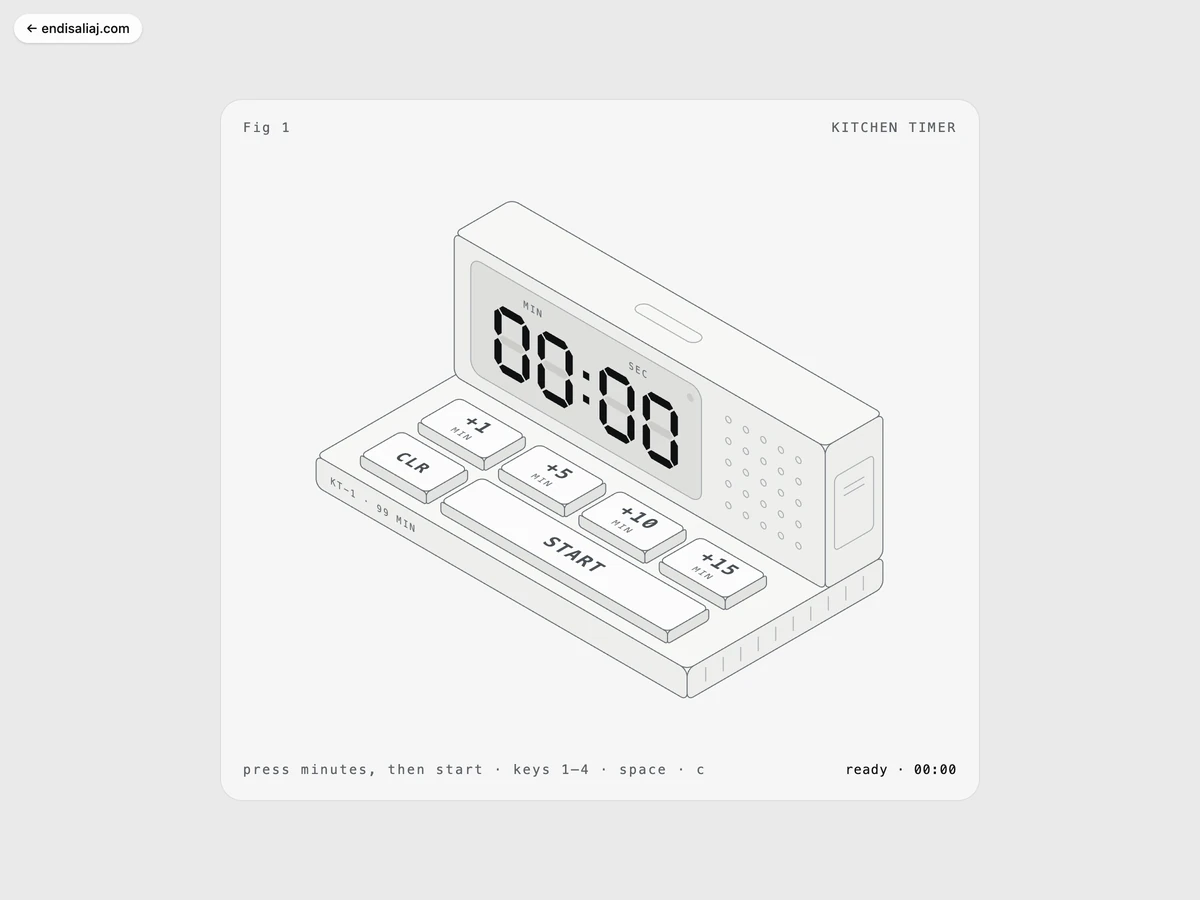
A kitchen timer drawn in lines that really counts down
Endi Saliaj 4 min read
How I built Fig 1, an isometric kitchen timer in SVG with a seven-segment display, buttons that press down, and a small square-wave bell. The first object in a series.
What it is
A kitchen timer drawn with thin lines, seen from above at an angle. It works. Press the four buttons on the deck to add 1, 5, 10 or 15 minutes. Press START. The display counts down with a blinking colon, and when it reaches zero, the timer rings. Any press stops the bell. You can also use the keyboard: 1 to 4 for the minutes, Space or Enter to start and stop, C or Escape to clear.
It is Fig 1 in a series of objects drawn the same way. The drawbridge and the donut street came after it.
Why I made it
I wanted to find out how little you need to draw a real object. No shading, no colour, no textures. Only lines, two greys for “on” and “off”, and the right angle. If a kitchen timer could feel like a thing you can press, the method would work for bigger objects.
How it is built
The drawing is inline SVG built from strings. A tiny isometric kernel does two jobs. One function maps a 3D point to the page at 30 degrees. A plane helper returns a transform matrix so that “anything inside a group with this transform lies flat on that plane”. That second part is the useful one. I can draw the display as a normal flat drawing, and the helper puts it on the front face of the riser.
The object is simple, and the code lists it: a base slab, a riser block that “carries the display on its front face”, and the buttons on the deck. The digits are seven-segment polygons, like a real LCD. Lit segments are drawn in the “live” tone, unlit ones in a faint “ghost” tone, so you can see the whole eight behind every number.
A press is CSS: 60 milliseconds down, 4 pixels, released after 110 milliseconds. The countdown is a 100-millisecond timer measured against a fixed end time, so it never drifts, even if the tab was slow.
The sound is Web Audio square waves. Each press ticks at 1900 Hz. The alarm is three chirps a second at 2600 Hz, and it stops itself after ten bursts.
Design decisions
- Greys only. Light and dark palettes are CSS variables. There is no colour on the page.
- “On” is ink, not colour. A pressed button and a lit segment turn to the darker live tone. That is the whole state system.
- Hairlines stay hairlines. The strokes stay one pixel at any size, so the drawing looks like a print, not a cartoon.
- A caption above, a readout below. “Fig 1” sits above the plate like a figure in a book. The hint and the time sit below.
- Reduced motion. No press transition, no blinking colon.
- Touch. Buttons react on pointer-down, not on release, so they feel quick. The tap highlight is off.
- Cap at 99:59. You can add minutes while it runs, but the display has four digits and the timer respects that.
Small details
- The colon blinks only while counting.
- The 5 by 5 speaker grille darkens while it rings.
- “KT-1 · 99 MIN” is stamped on the base, and there are ten tick marks on its side.
- An LED lights while it runs or rings.
- If the window loses focus with a button held down, the button is released, so nothing gets stuck.
Numbers
ViewBox 600 by 520. Base 360 by 190 by 26. Riser 360 by 56 by 120. Four digits. Maximum 99:59. 100-millisecond tick. Ten alarm bursts. Master volume 0.22.
What I learned
The plane helper was the idea that carried the series. If you can draw flat and place it on a face, you can draw anything: a display, a sign, a door, a road. Fig 1 is small, but every figure after it started from the same two functions.
The projects
 ▶ Playable
 Kitchen Timer an isometric countdown
Interactive illustration 2026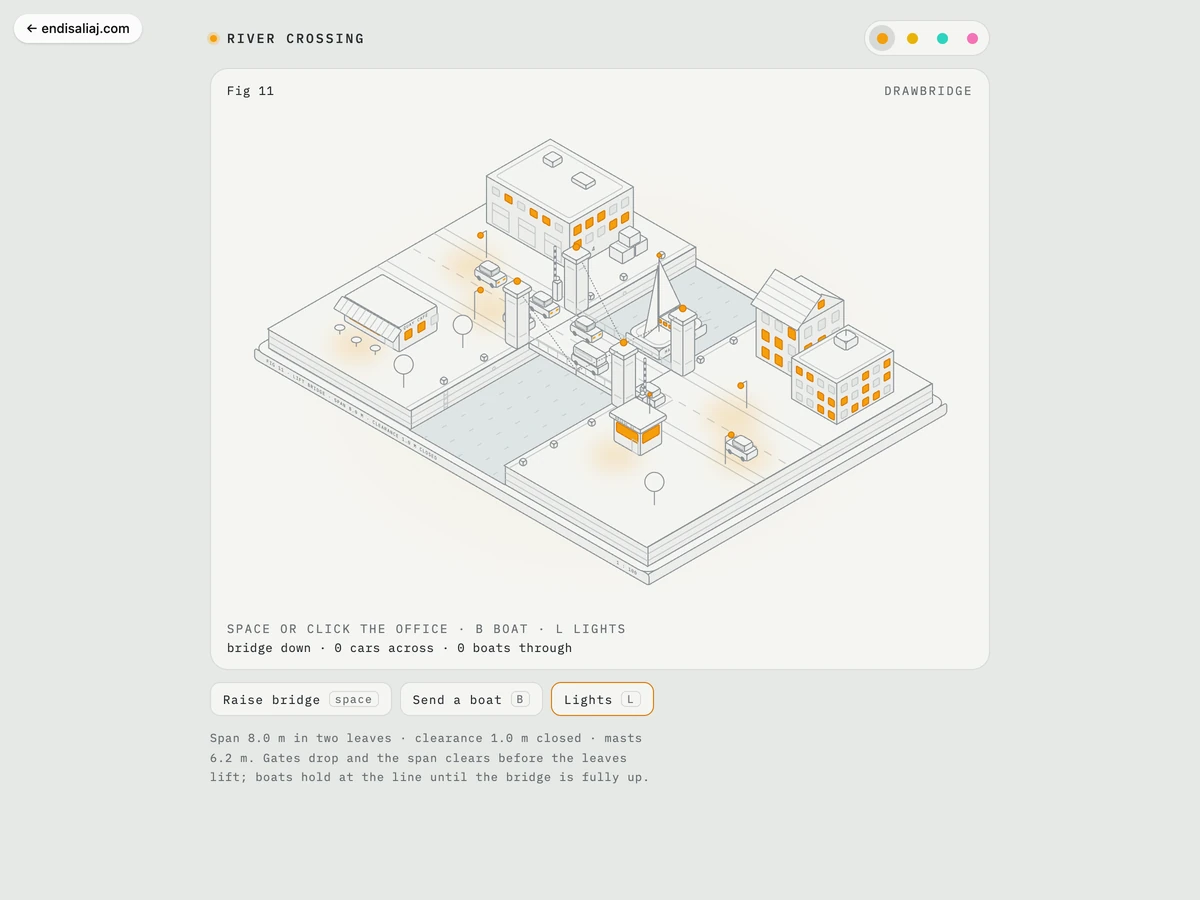 ▶ Playable
 Dusk Drawbridge an isometric drawbridge
Interactive illustration 2026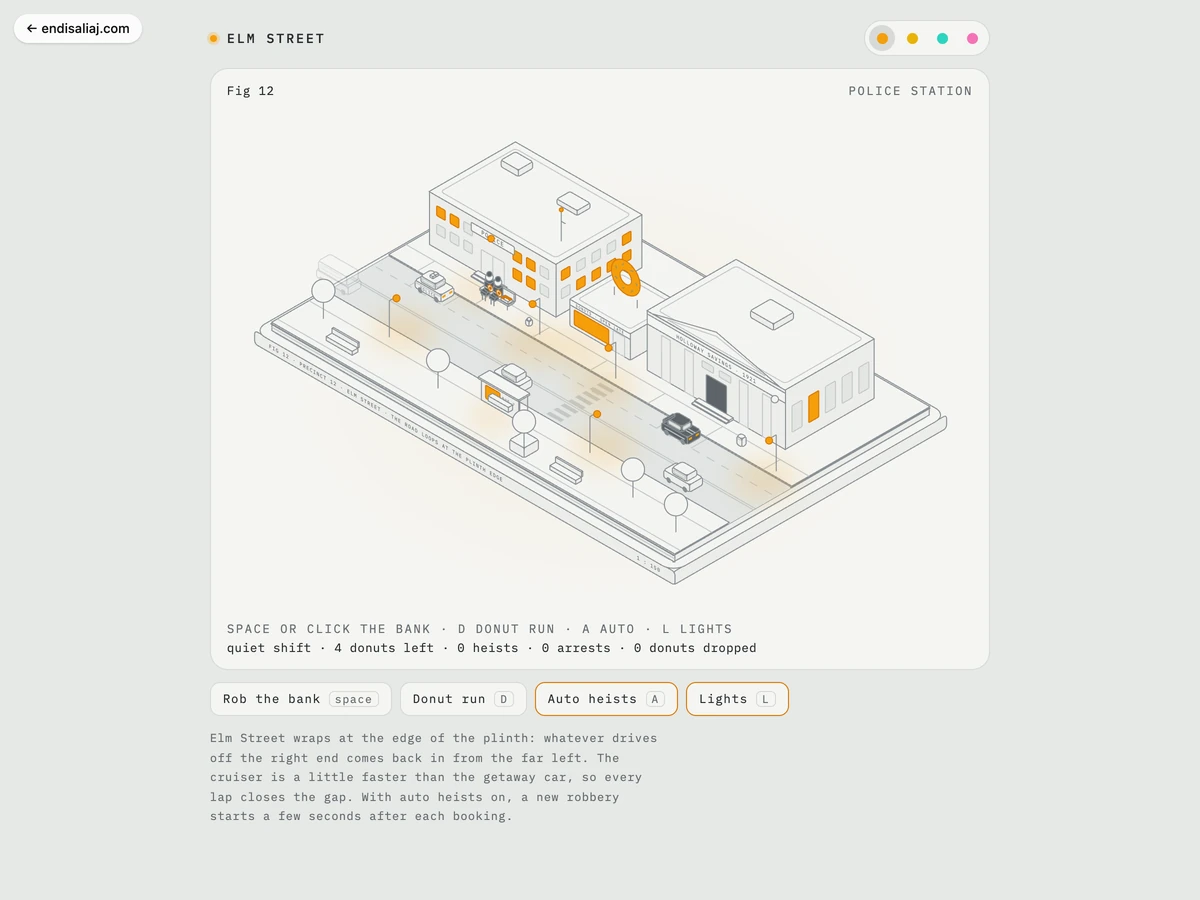 ▶ Playable
 Donut Patrol a looping heist scene
Interactive illustration 2026More notes
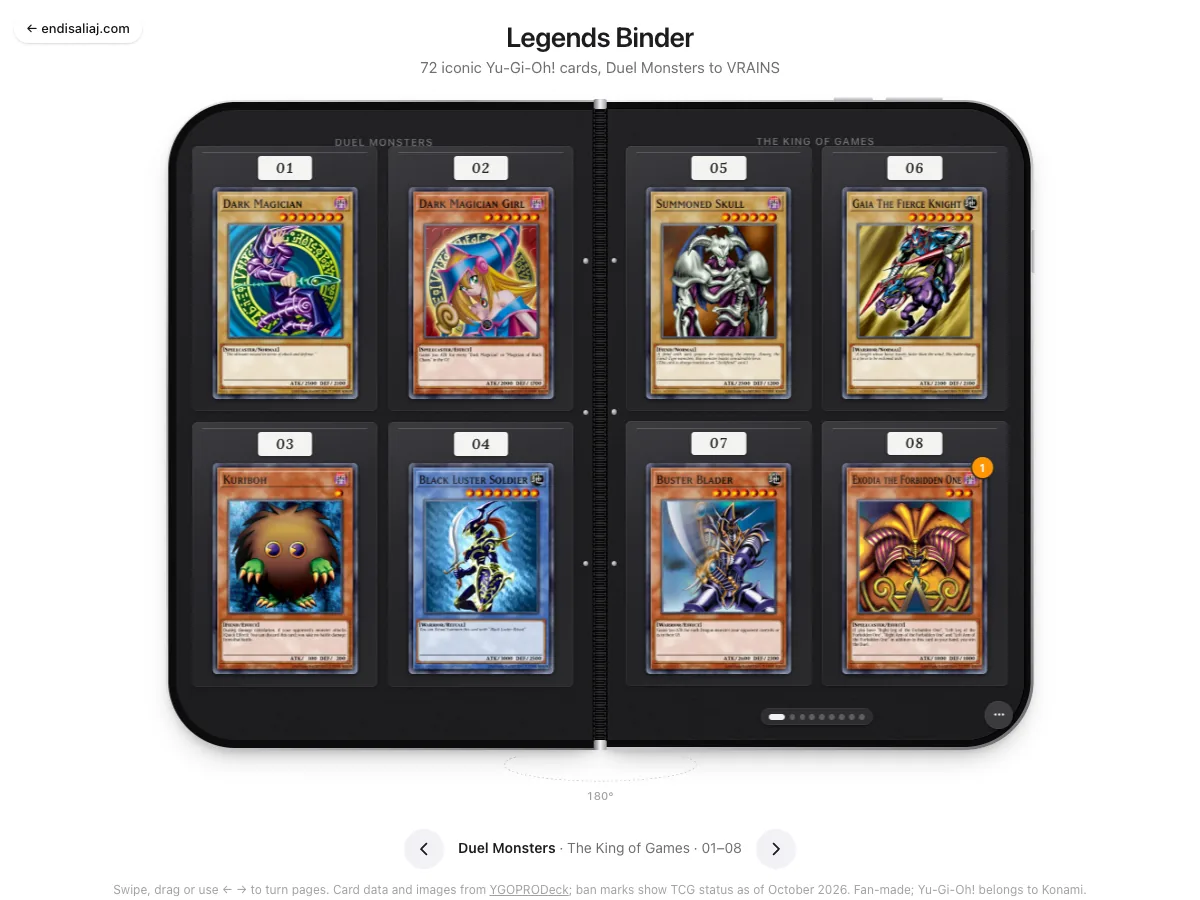
A Yu-Gi-Oh! card binder that folds open in CSS
How I built a black zip case with 72 cards in clear sleeves. The pages turn in 3D and every card opens in a holographic close-up. No canvas, only HTML and CSS. · 6 min read