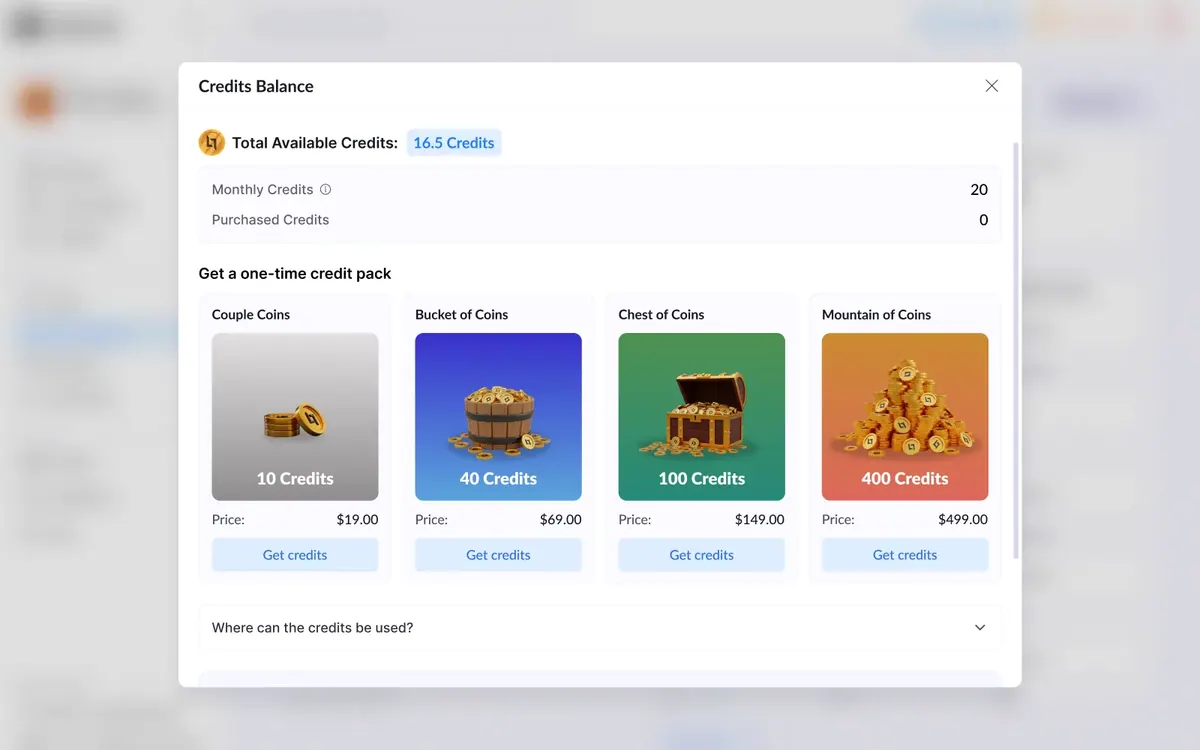
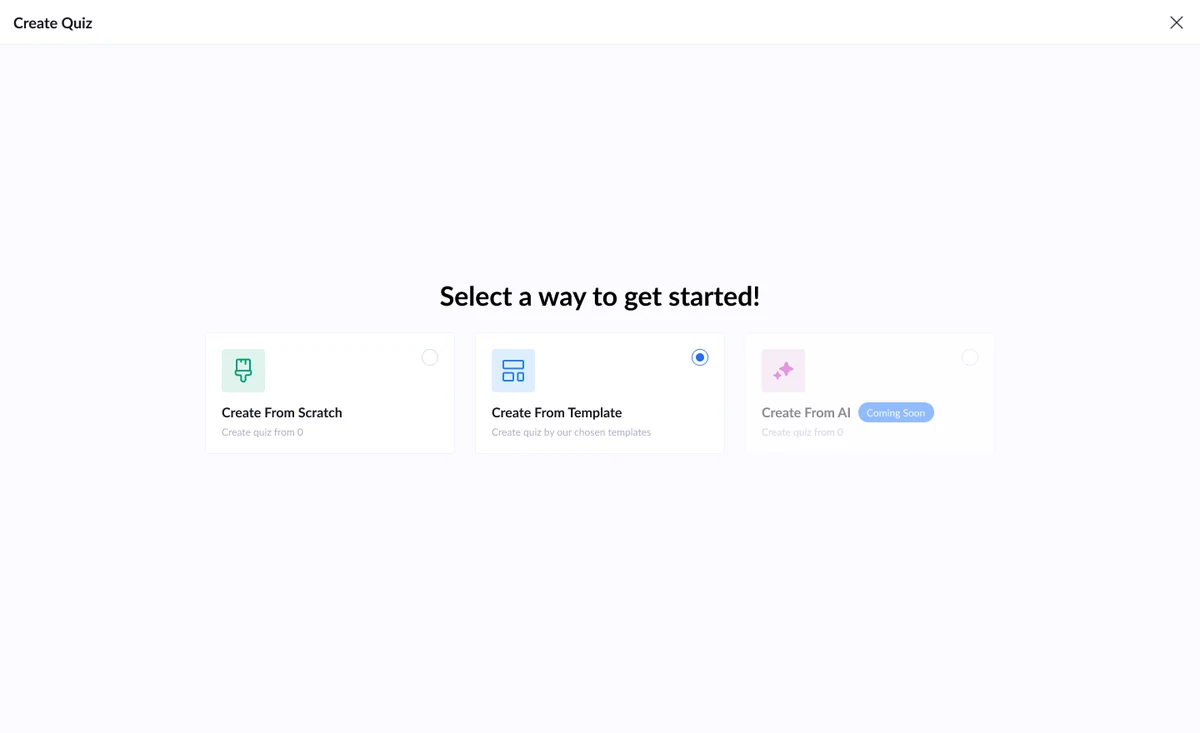
Start a quiz from scratch, from a template, or by telling the AI what you need.
Quiz Builder three ways to start a quiz 2025
Quizzes, or multi-step forms, are how performance marketers sort good leads from the rest. I designed how a quiz starts in LanderLab: pick a way in, describe it to the AI or choose a template for your vertical, then shape the steps in the editor.
- Discipline
- Product design · AI UX
- Year
- 2025
- Part of
- Product design
- Tags
- SaaS, AI, Forms
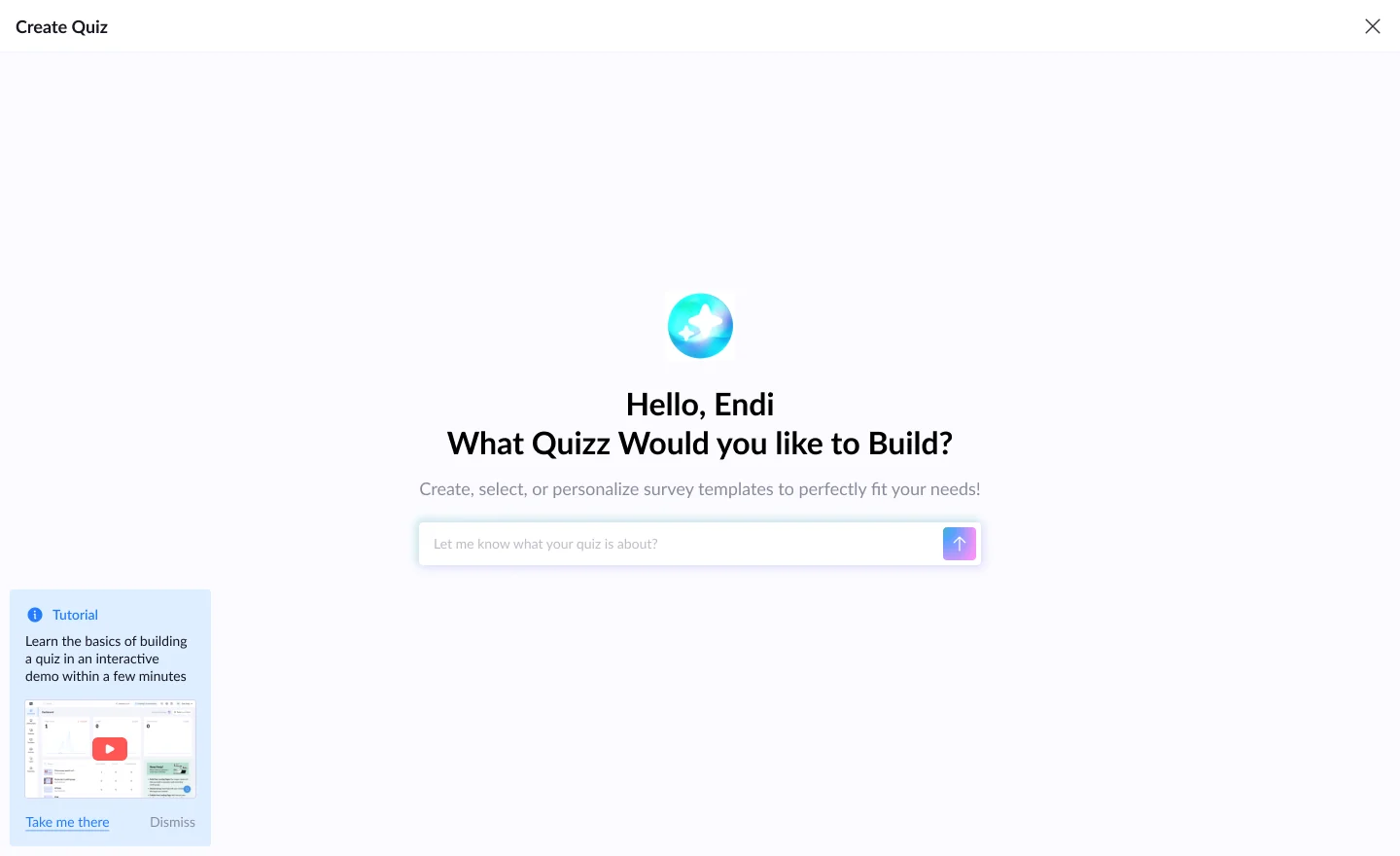
Ask the AI
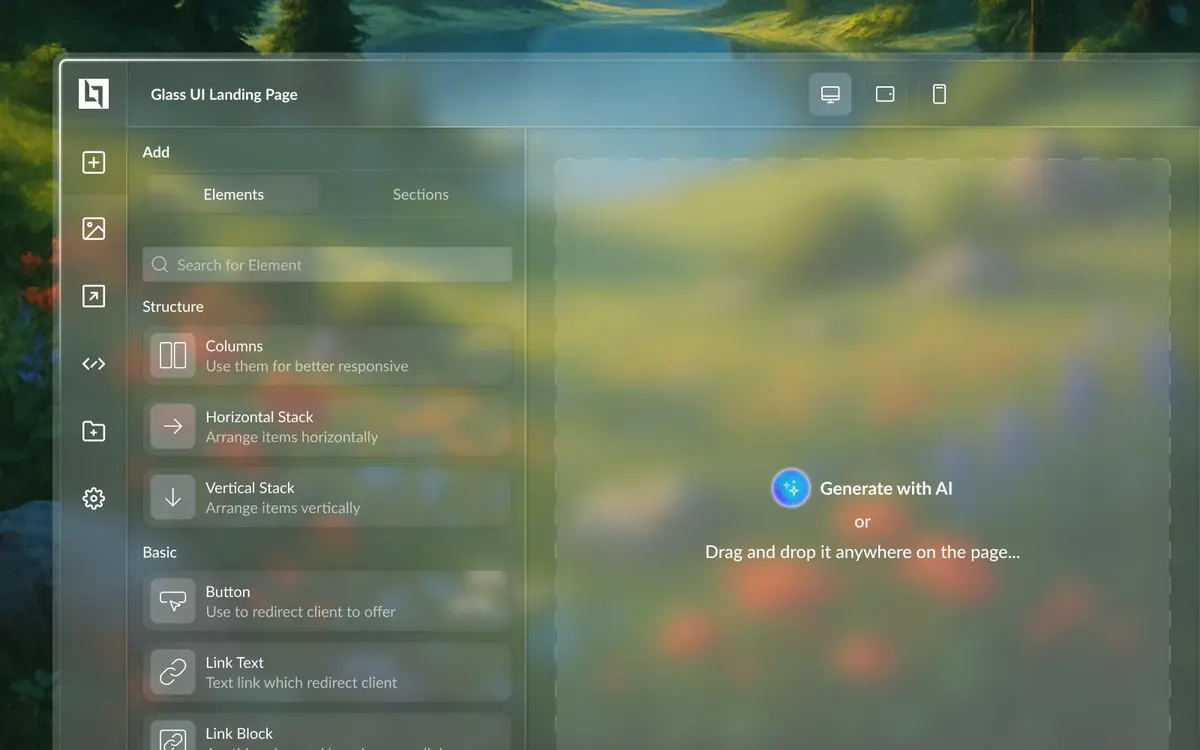
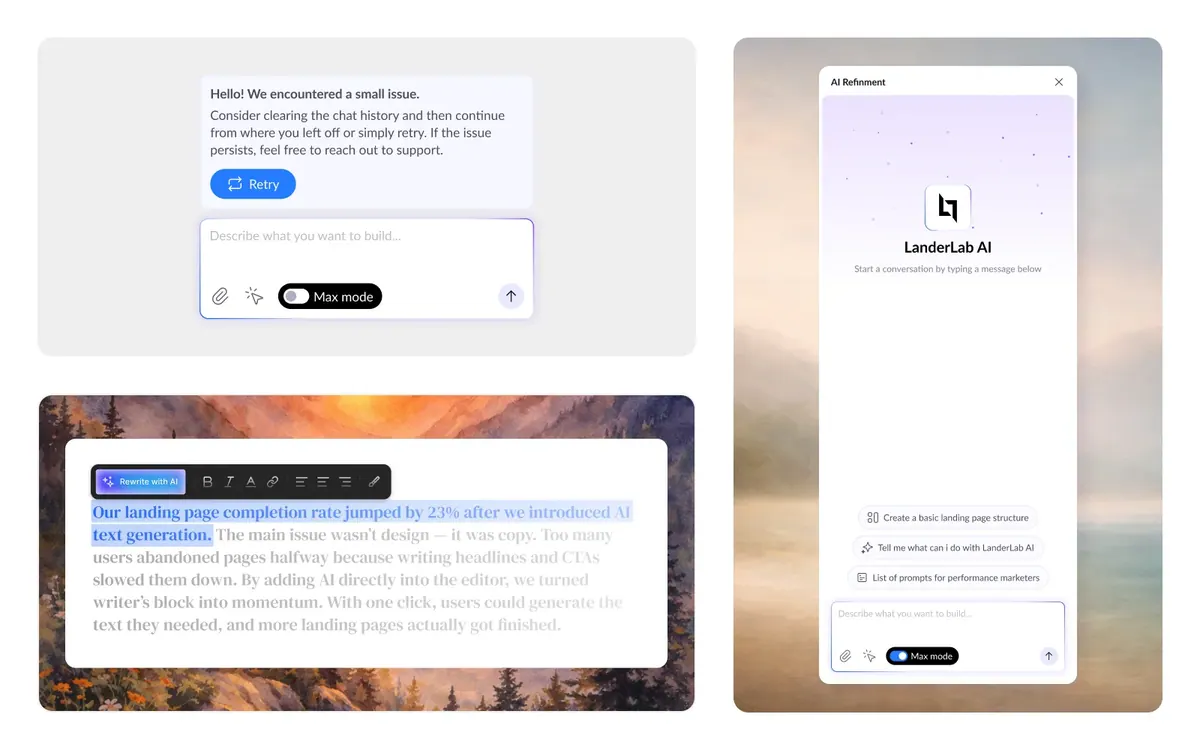
One line is enough. Describe the quiz in a sentence and the AI builds a first draft to edit.
Help in the corner. A short tutorial card waits in the corner for first-timers, and goes away with one click.
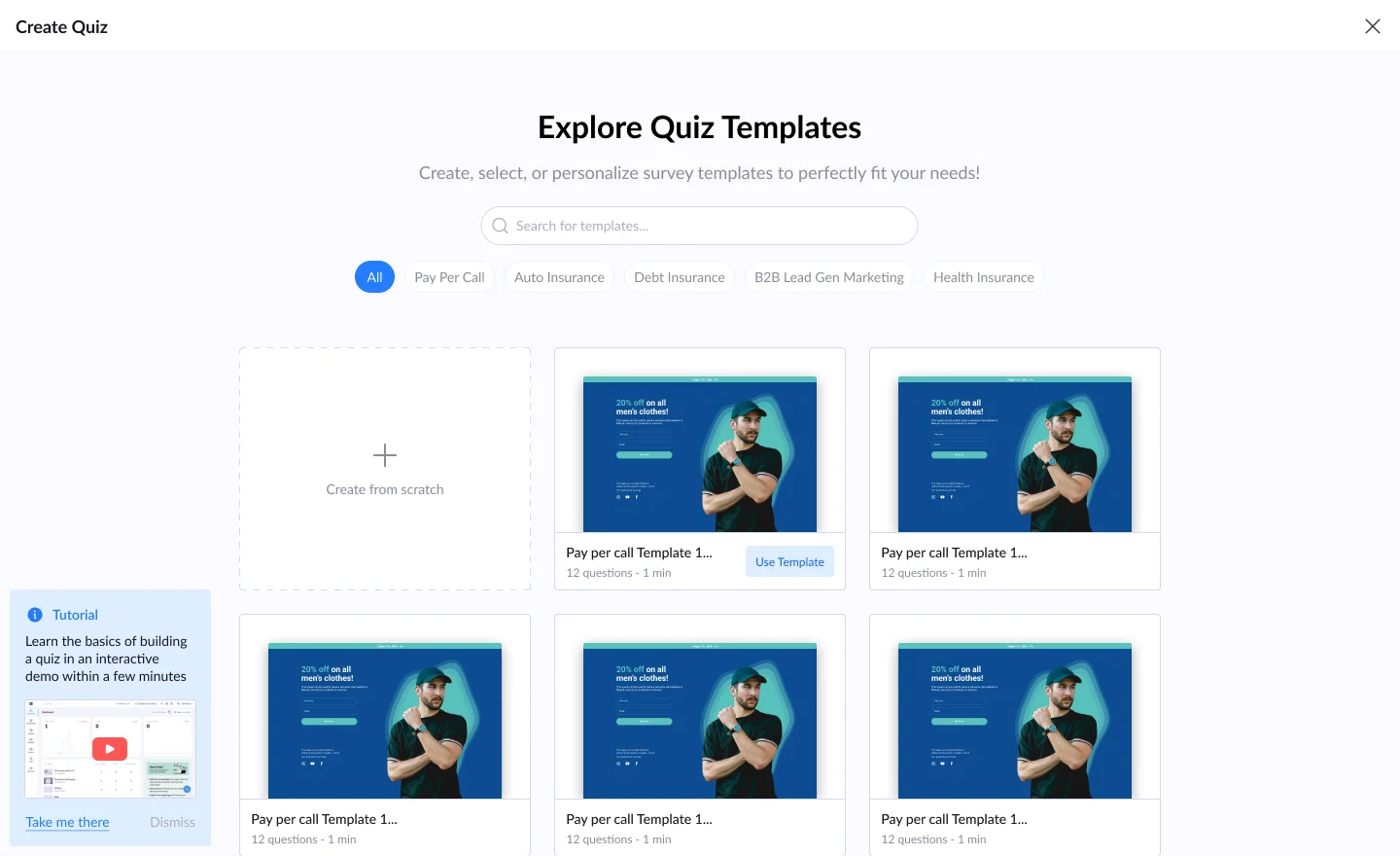
Templates by vertical
Sorted the way marketers think. Pay per call, health insurance, debt, auto, lead generation: each vertical has its own templates, with the number of questions and the time to finish.
The steps
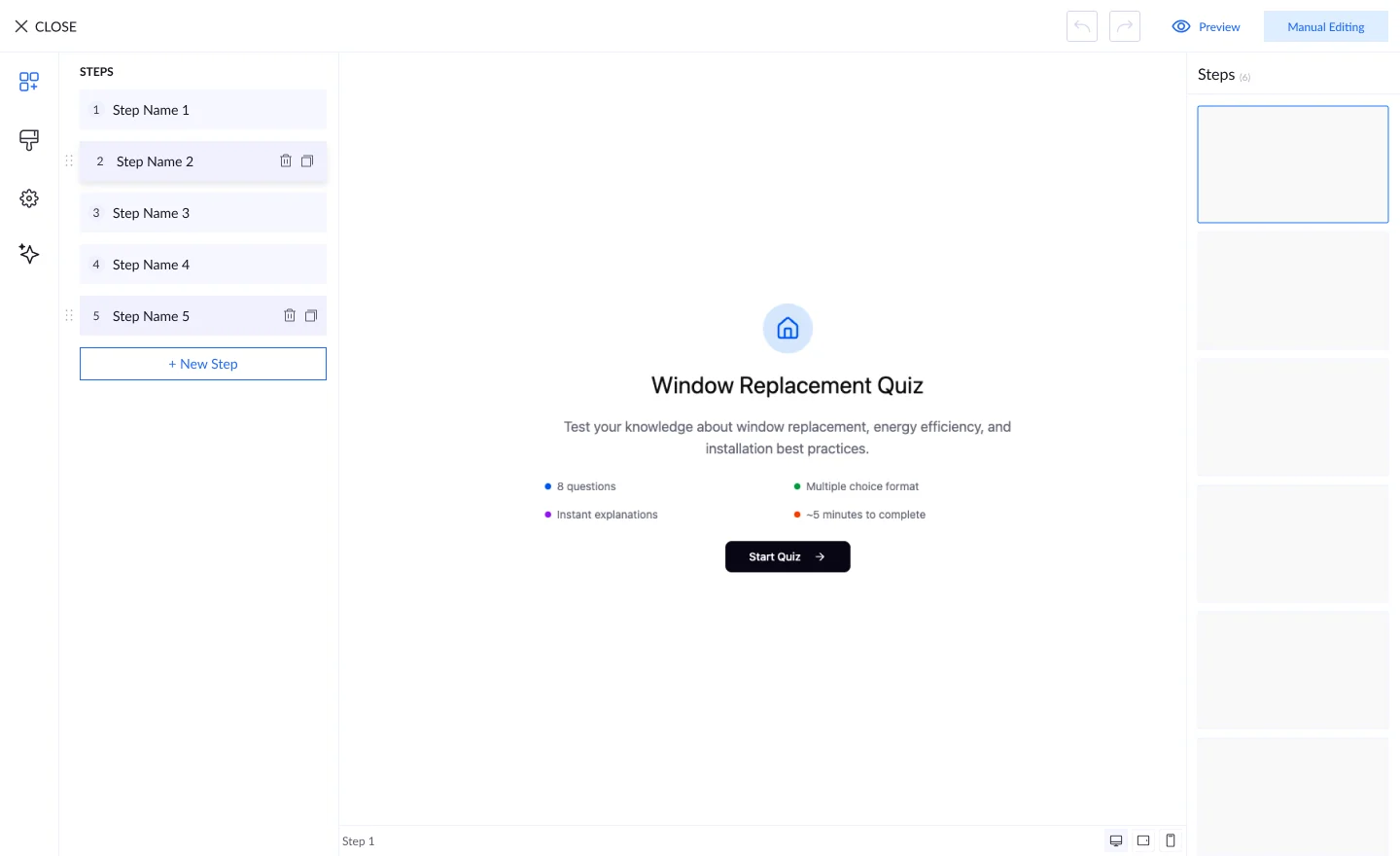
One list of steps. Steps sit on the left, the quiz in the middle and a preview of every step on the right. Add, copy or delete a step from the list.