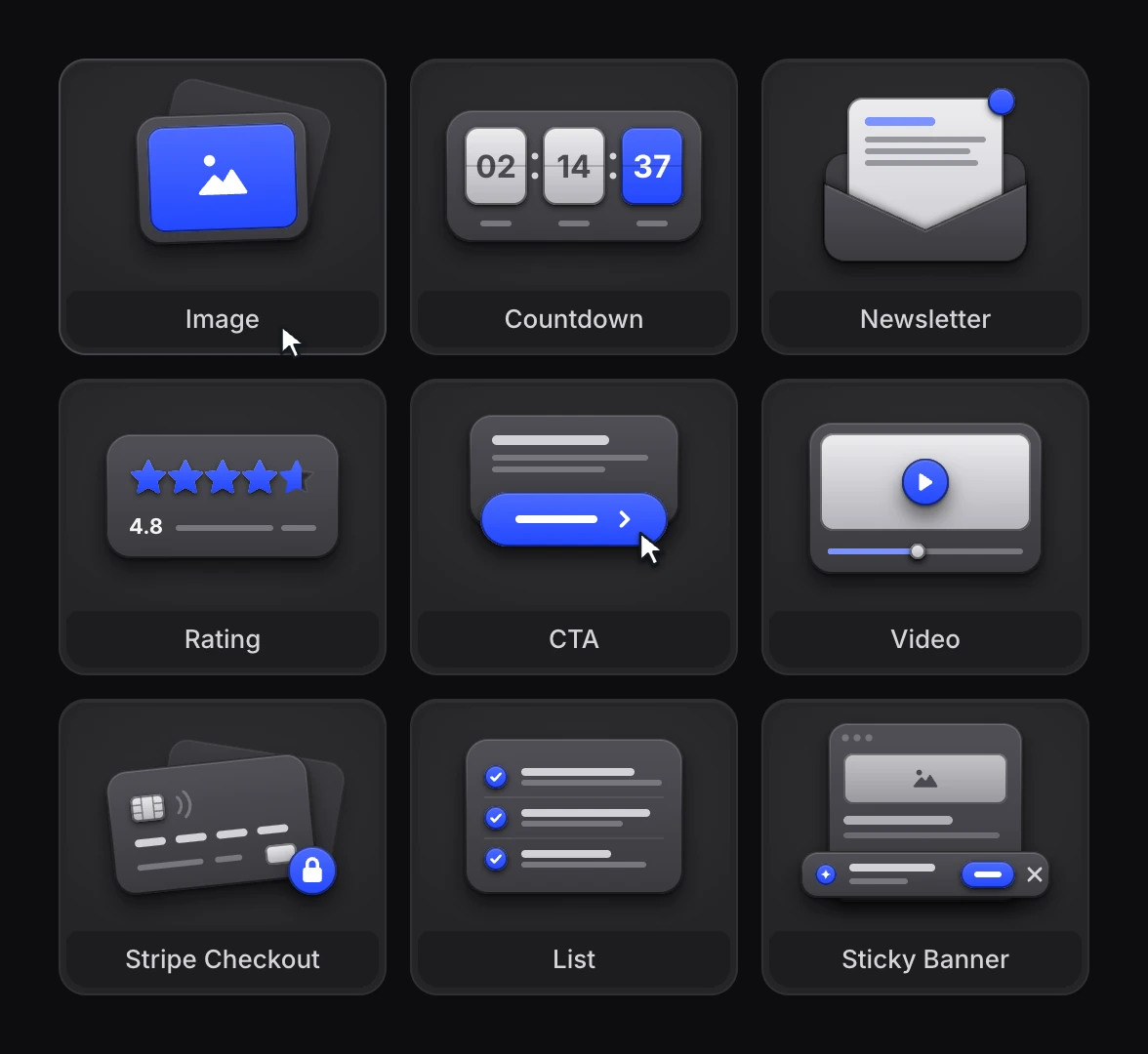
In the LanderLab editor you build a page by dragging elements from the Add panel: a section, a headline, a form, a countdown. Every element has a tile, and every tile needed a small picture that shows what the element makes before you drop it.
I drew twenty-two of them in one style: soft white parts that stand up from the tile, fields that are pressed in, and one part in blue, the part that matters. Every colour is a token, so the same drawing works in light and in dark mode.
Hover a tile and its drawing does its job for a moment: the countdown ticks, the letter comes out of the envelope, the stars fill, the code is typed again. The Quiz funnel is new, so it gets a wide tile with a ring of light, and a card that shows how a quiz funnel works.